Interview Templates - Overview
Last updated: August 29, 2026
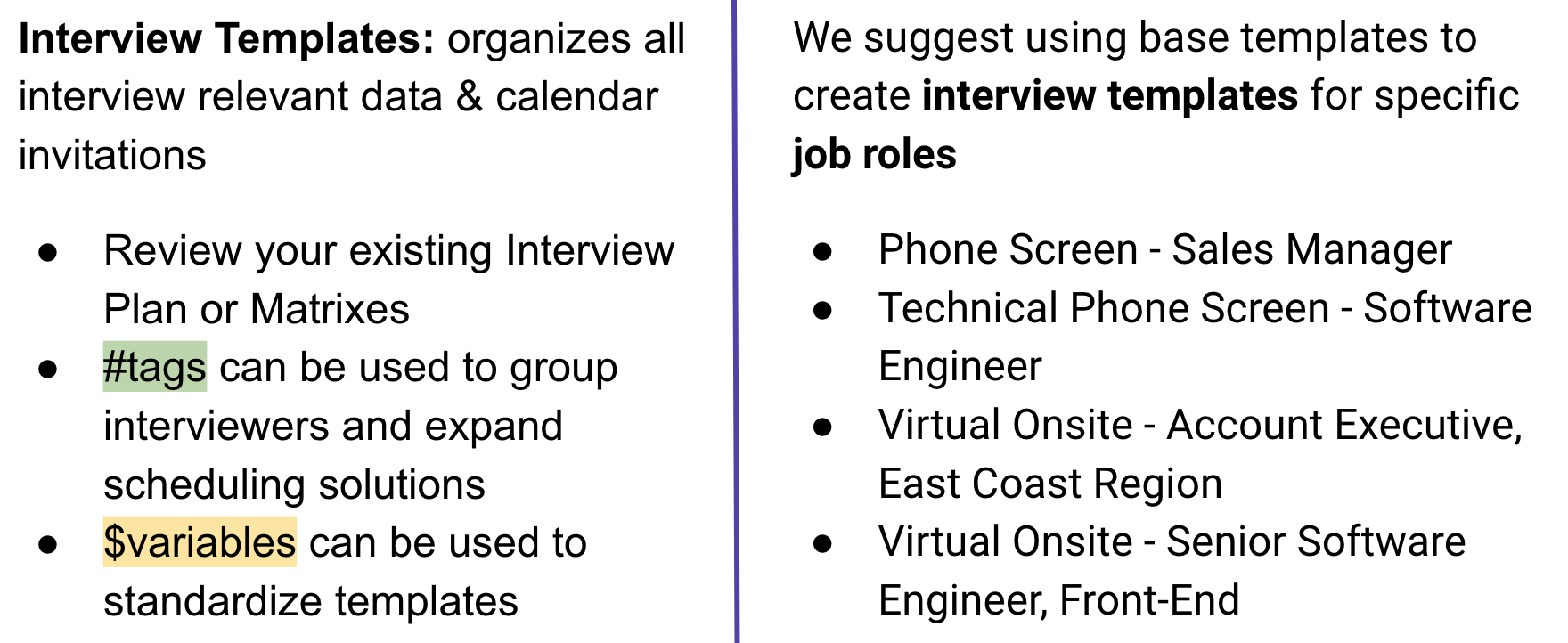
Interview Templates help you define and standardize the structure of your interview process. They bring together interview events, calendar invites, email communications, and scheduling settings into a reusable workflow.
Use this article as a starting point to understand how Interview Templates fit together and where to go next when configuring your templates.
Tip: If you're new to Interview Templates, follow the recommended setup flow below before configuring individual settings.
Before you start
Before creating or configuring an Interview Template, make sure you have:
A Base Template available to use
Your candidate and interviewer calendar invite details ready
The necessary email communications available
A clear understanding of the interview stages you want to schedule
Building Interview Templates
Recommended setup flow
A typical Interview Template setup looks like this:
1. Create or select a Base Template
Start with the Base Template that will serve as the foundation for your interview workflow.
2. Build your Interview Template
Define the interview events and stages that make up the workflow.
3. Configure calendar invites
Set up the candidate and interviewer calendar events associated with each interview.
4. Link email communications
Connect the appropriate candidate and interviewer communications to the workflow.
5. Configure scheduling settings
Add optional settings such as Greet & Walkout, fixed time ranges, or minimum and maximum time requirements between interview events.
Once you have your Interviewer and Candidate Calendar invite created, you can go on to the next step to link your email communications to your workflow.
Best Practice: Naming your Interview Templates
Consistent naming makes Interview Templates easier to find, understand, and maintain—especially as your organization grows.
We recommend using a predictable naming convention such as:
[Business Unit] - Interview Format - Interview Stage - Role
Example
[Engineering] - Virtual - Technical Screen - Backend Engineer
Choose a naming convention that works for your organization and use it consistently across templates.
Other Related Videos: