24/7 Support
Last updated: March 3, 2026
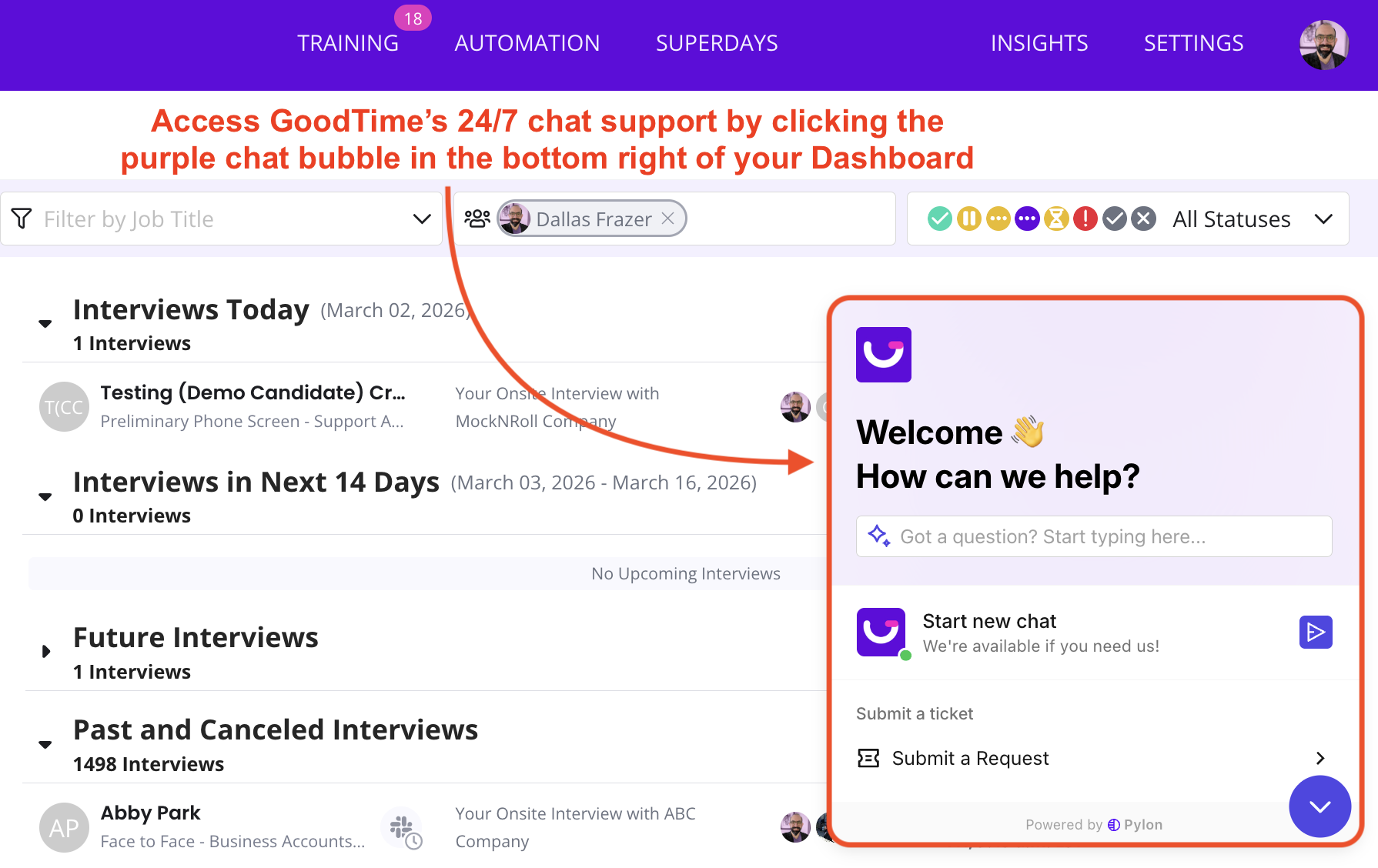
How can I access 24/7 support?
Simply log into the platform and use our chat functionality or email our team at support@goodtime.io
Is 24/7 available to all customers?
Yes. 24/7 is for all of our customers.
How quickly can I expect a response and resolution of my query?
The response and resolution of tickets depends on a few factors. We have a response and resolution time chart below.
Customer tickets are classified into 5 categories based on severity level. The most severe will be tackled first before lower severity tickets.
Because our engineering team is not yet 24/7, please note that S2-S5 level tickets that come in after 6PM PT may be addressed further the following business day. S1 tickets will be addressed immediately.
Support Response Targets
How much information do I need to provide to get my ticket answered?
Generally speaking, we strive to collect a minimum amount of critical information so that we can assist you as quickly as possible.
[If relevant and the most importantly], the interview URL (i.e. https://a.goodtime.io/dashboard/interview/340d25bc-4190-4d11-afba-043391d53bf9)
[If relevant], error messages
[If relevant], impacted candidate emails or impacted interviewer emails
Impact
Impacting one interview or many
Impacting one user, multiple or org wide
One time or recurring
Screenshots of the issue and your workflow
[Optionally but much faster resolution time] Screen recording
If you would like to view tickets you've submitted to the Support team, you can follow the steps outlined here: How can I get an update on my support tickets?