GoodTime Troubleshooting + Escalation Process
Last updated: October 13, 2026
GoodTime Troubleshooting + End User Escalation Process
TL;DR: The document below outlines communication channels for knowledge-based questions, edge cases, and bug reporting relevant to GoodTime.
A recommended escalation process is also included below. Please use this structure as a guideline when determining communication best practices for your team. Our goal is to support your team in centralizing common questions and best practices for continued adoption and process improvement.
Recommended End User Escalation Process:
Utilize your Internal Project Team (via Slack, Wiki, Email, etc.) to review knowledge-based questions or for support in troubleshooting scheduling blockers. To be used to escalate ongoing issues, address knowledge gaps, or submit larger feature requests for review.
Reach out to GoodTime Support if your question is unanswered, if you are encountering a bug, or need on-the-fly support unblocking a scheduling issue.
If you have a Product Suggestion please feel free to add your suggestion directly to the GoodTime Product board so that our product team can take your suggestions into consideration as they plan future GoodTime features and updates. Upvote some other while you are there!
Work with your CSM to address any knowledge gaps, high-impact bugs, or larger feature requests. We’re also here to consult on process improvements and alternative workflow development.
Communication Channels
Internal Project Team
Your team may consider setting up an internal Slack channel, wiki page, or “help line” to support questions through GoodTime implementation and beyond. These resources may include members of the project team, end users (Coordinators and Recruiters) and operations or systems administrators.
We’ve seen customers be most successful when they have an Internal GoodTime Project Team who can help address questions around best practices and general knowledge questions - especially when those questions are related to how GoodTime is used at your specific organization.
24/7 Support
The GoodTime Support team is available 24/7 via chat and email (support@goodtime.io).
An overview of our Support team can be found on GoodTime’s Help Center here: 24/7 Support
This article includes SLAs, descriptions of ticket priority, and recommended details for your team to share when working with Support.
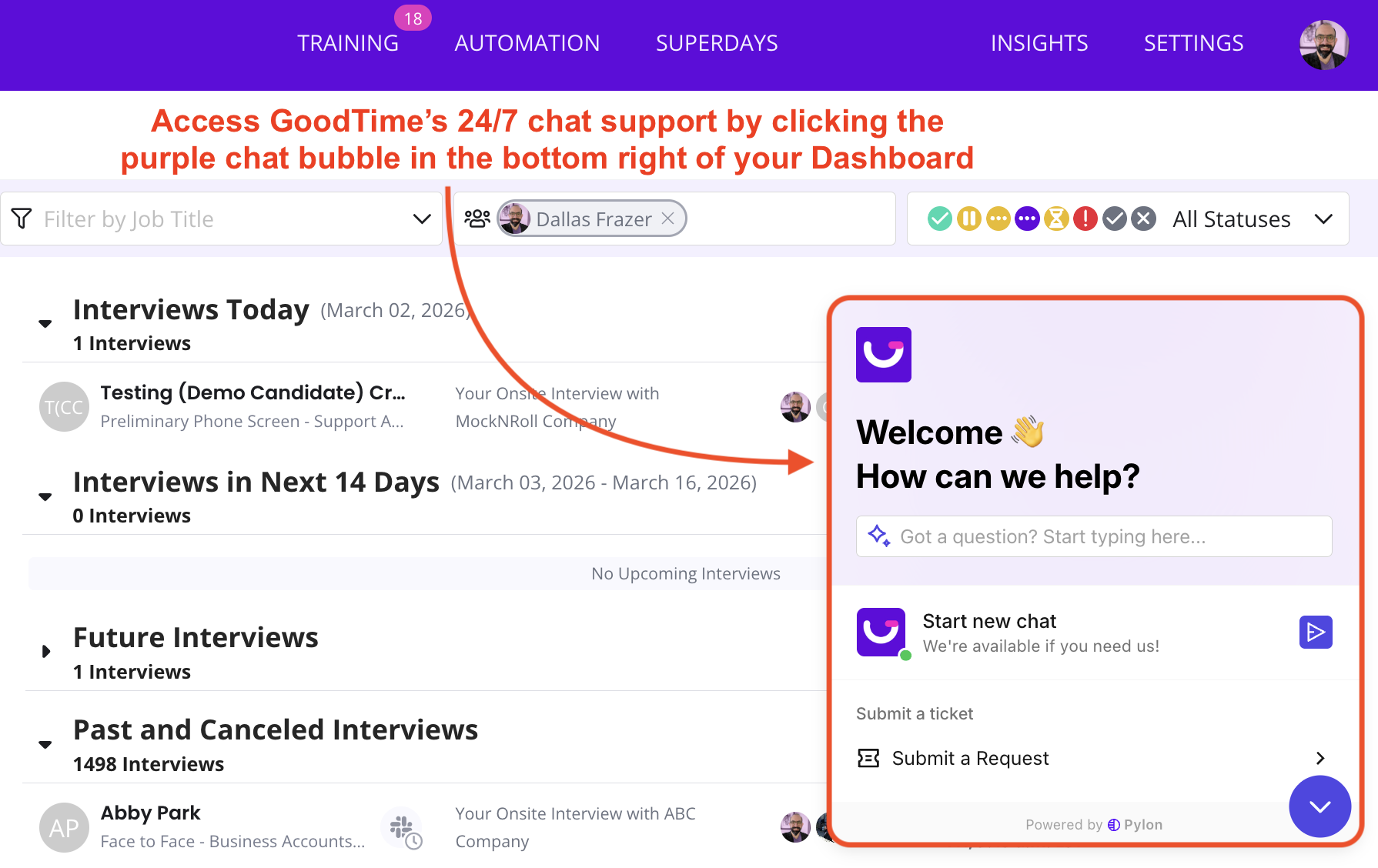
The purple “Chat” bubble at the bottom right hand of your GoodTime dashboard will appear once you’ve logged in. This chat bubble can be used for:
Live troubleshooting / unblocking a scheduling question or scheduling issue
Reporting bugs or delays within the GoodTime platform
Asking questions around specific use cases or unique scheduling requests
Utilizing our Support team also helps with tracking common bugs and prioritizing issue fixes with our Engineering team.
Customer Success Manager (CSM)
GoodTime Customer Success Managers (CSMs) work alongside GoodTime's Support team and your Internal Project team. These experts will be your advocate for escalating high-impact bugs, discussing larger feature requests, and supporting change management and process improvement for scheduling edge cases.
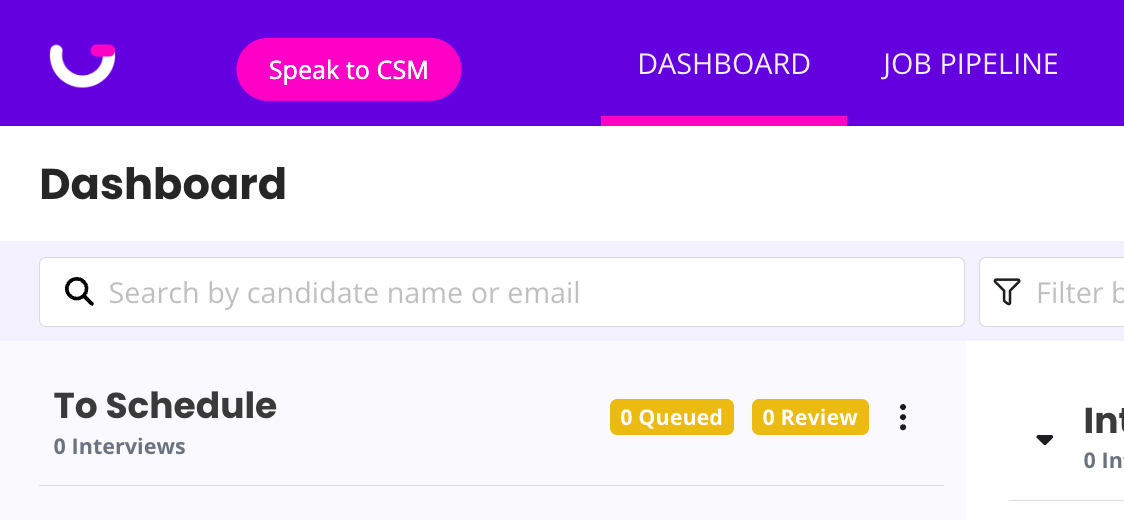
You can expect your CSM to shared their contact details with you directly, but if you ever need to contact your CSM and you do not have their details available, you can always click on the pink 'Speak to a CSM' button in the top right of your GoodTime dashboard. This will direct you to your CSM's meeting booking link (You can also book time with your CSM here)