SmartRecruiters + GoodTime Integration Guide

Last updated: February 26, 2026

Screen_Shot_2022-04-20_at_11.47.07_AM.png

TL;DR: This is a step-by-step guide to integrate the SmartRecruiters Applicant Tracking System (ATS) with GoodTime. To integrate you will need admin access on SmartRecruiters and super admin access on GoodTime. (NOTE: If you use the SmartRecruiters 'SmartGlobal' feature to set custom roles, an Admin user with 'Company Setting' access should conduct the integration)

  1. Log into a.goodtime.io/login

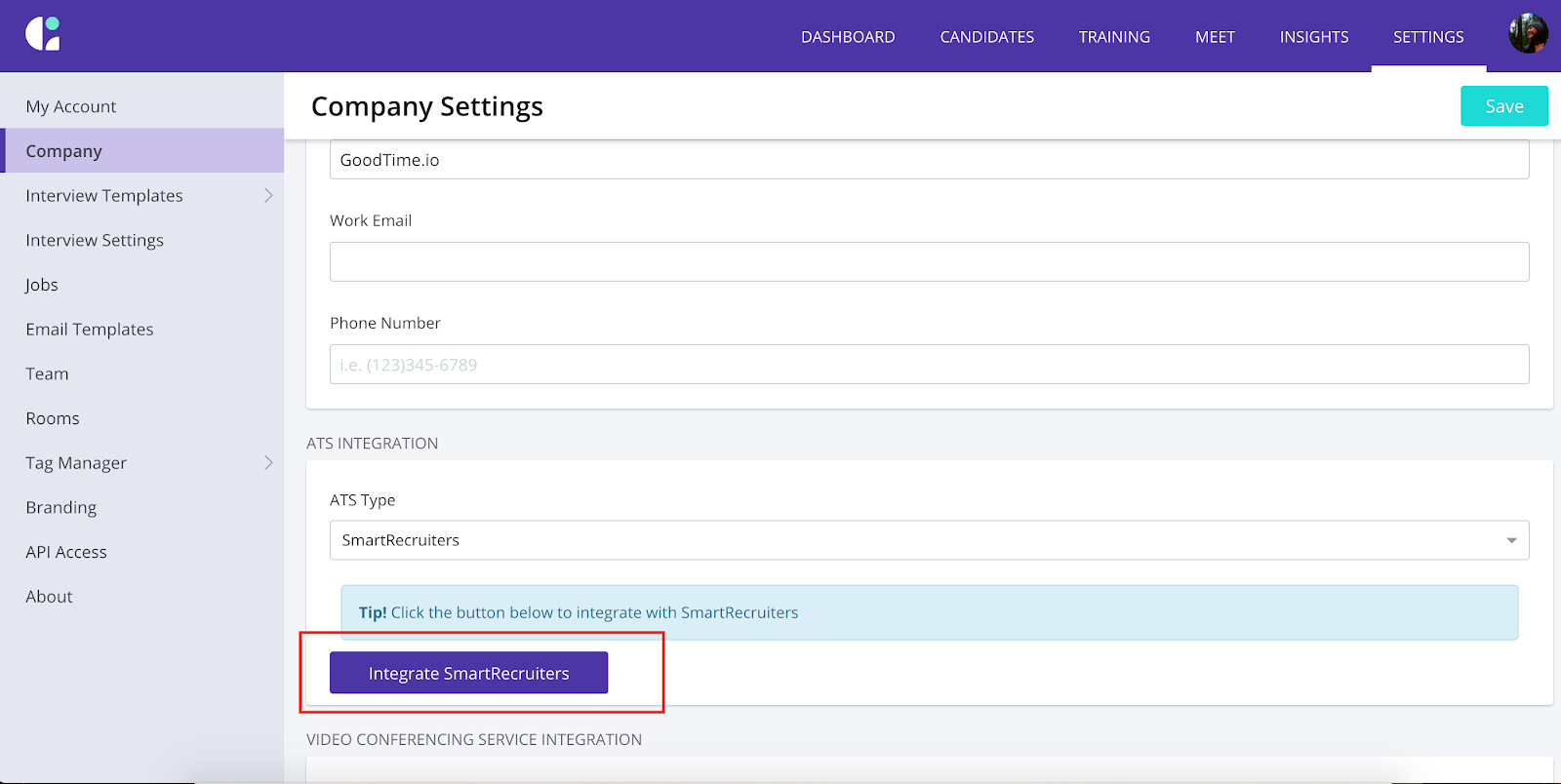
  2. Go to the Settings tab -> Company tab

  3. Click on Integrate SmartRecruiters

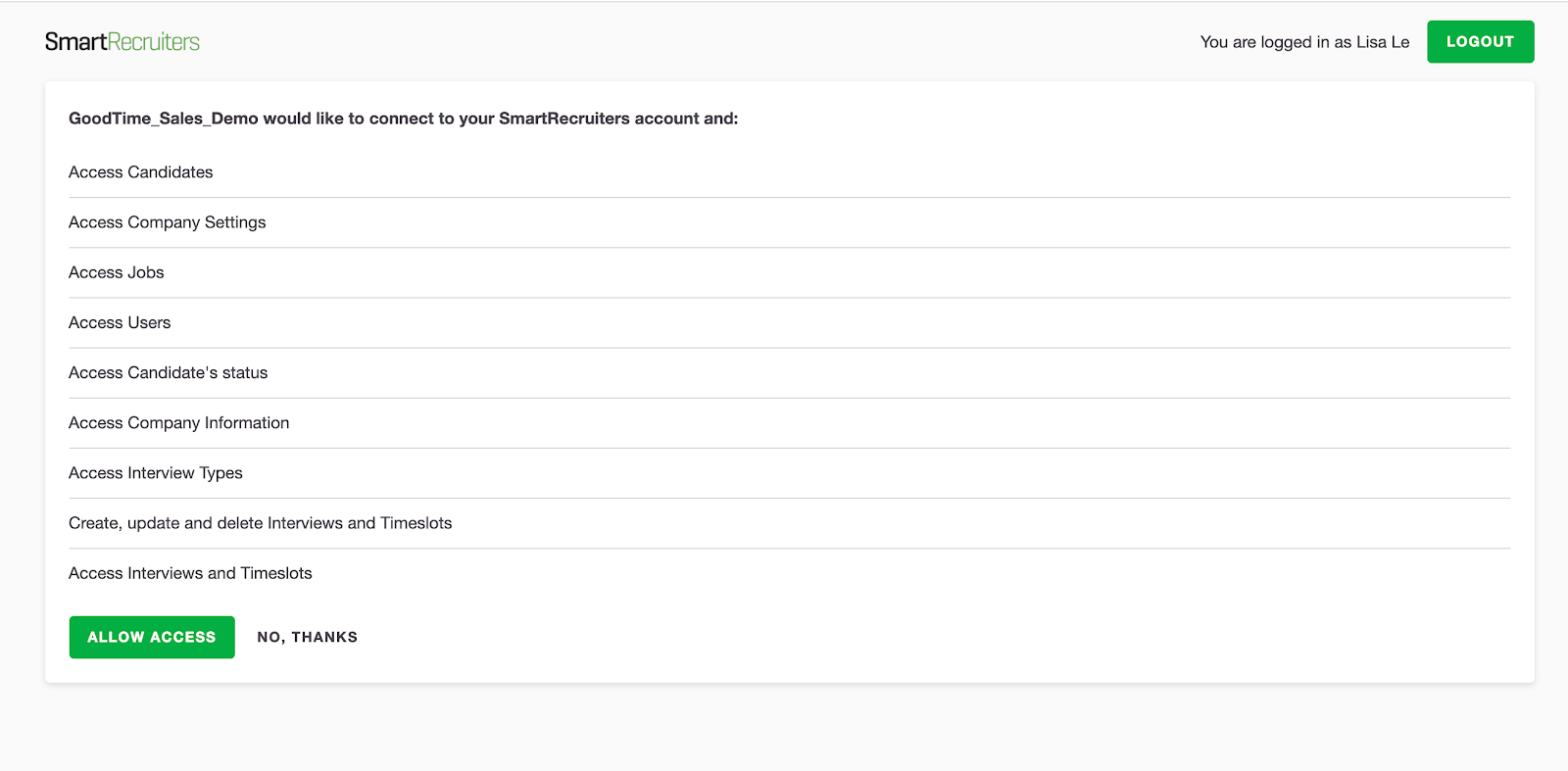
  1. Review Permissions and click Allow Access.
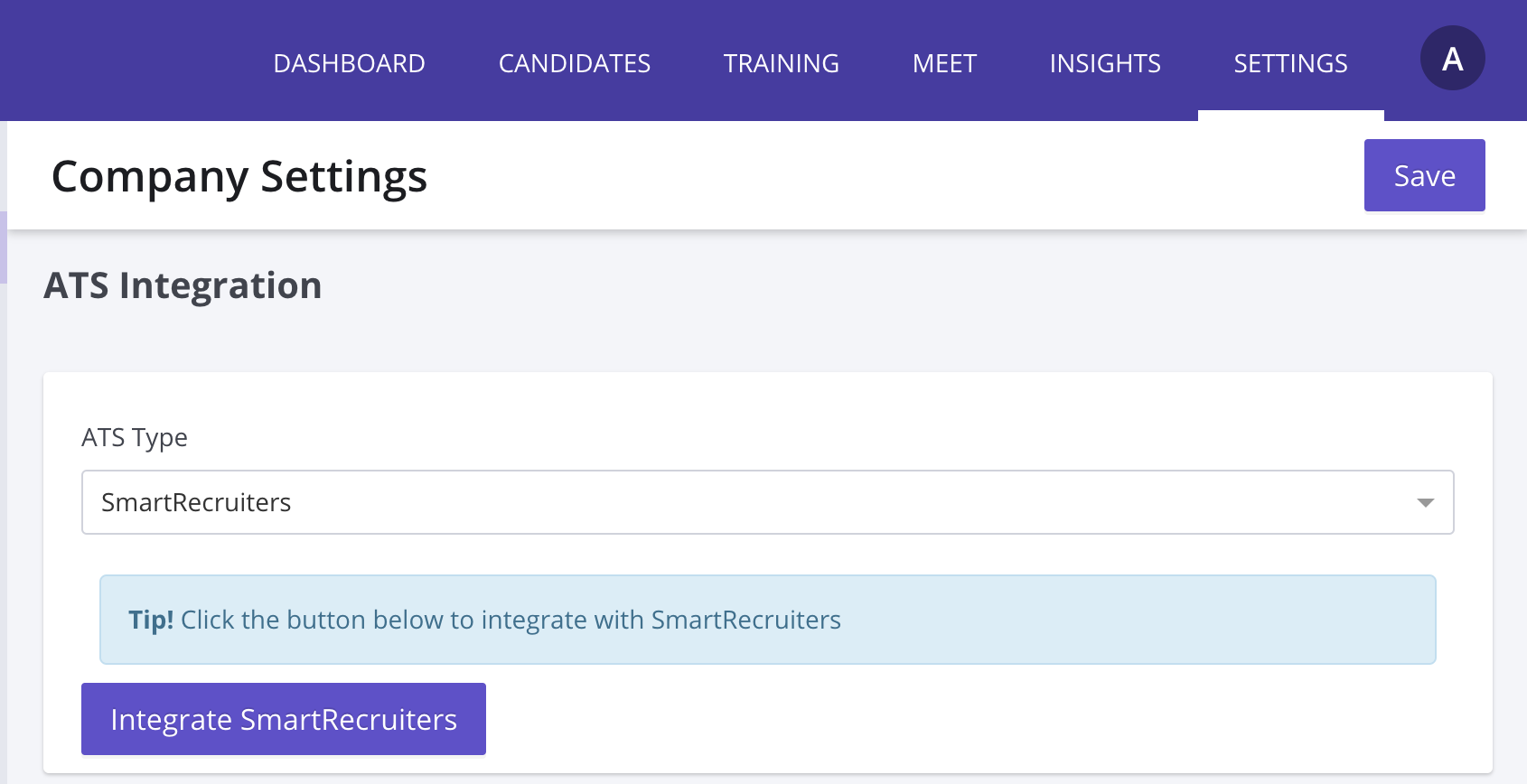
5. Back in GoodTime, click Save (upper right corner of Company tab) and then you’re all set!
Screen_Shot_2021-05-27_at_11.36.32_AM.png

-------

SmartRecruiters API Scope Information

The GoodTime Integration Utilizing the following integration endpoints in SmartRecruiters:


API Scopes

Utilization Description

Candidates

candidates_read

candidate_status_read

Sync the necessary information on a candidate to send out candidate invitations as well as schedule interviews with the candidate. (Name, email, phone number)

Interviewers

users_read

Verify interviewers are registered in SmartRecruiters and look up user id to schedule interviewers for interviews

Jobs

jobs_read

Get Job name and related stages to pass for use during scheduling and GoodTime interview template creation

Company

configuration_read

company_read

Read the hiring processes of the company. Utilized for mapping of process to GoodTime scheduling automation.

Interviews

interview_types_read

interviews_write

interviews_read

Sync interviews scheduled in GoodTime to SmartRecruiters and assign proper interview types to interviewers.


For more information on each scope from SmartRecruiters: https://developers.smartrecruiters.com/docs