Why is there no Internal Calendar dropdown field in the Confirmation Page?
Last updated: November 14, 2026
Overview
This behavior is expected in organizations using M365 (Entra ID) for their directory. GoodTime was designed this way because, once calendar events are created in M365 (Exchange), they cannot be transferred to a different calendar anymore. In order to prevent users from attempting to transfer events to different calendars via reschedules or updates, that dropdown was removed for M365 users.
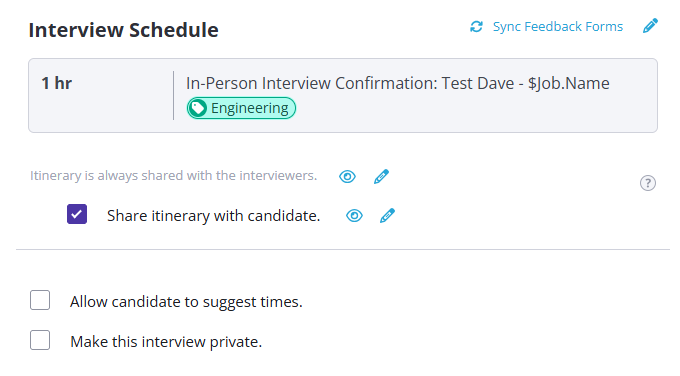
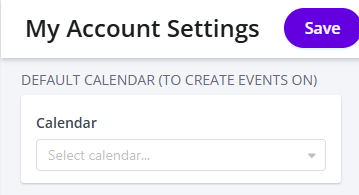
The correct way to select the internal calendar for a user is via My Account Settings > DEFAULT CALENDAR (TO CREATE EVENTS ON) or the Override Interviewer Calendar setting in interview templates.
Configuring the Default (Internal) Calendar
By default, internal/interviewer events are created on the coordinator's personal Outlook calendar. If you'd like these events to appear on a different calendar instead (reducing clutter on personal calendars), you can configure a default internal calendar in your account settings.
Go to My Account Settings.
Find the DEFAULT CALENDAR (TO CREATE EVENTS ON) section.
Select a calendar from the Calendar dropdown (you must have write access to it in Outlook).
Click Save.
Setting Override Interviewer Calendar
If you want to use a different internal calendar for specific interview templates, you can do so by changing the setting called Override Interviewer Calendar.
Edit an interview template.
Go to the Template Settings tab.
Edit the Override Interviewer Calendar.
Click Save.
