Interview Logs
Last updated: March 1, 2026
GoodTime Interview Logs provide a “history” view inside the interview drawer that shows a timestamped audit trail of everything that happens to an interview—creation, queuing, request availability sent, candidate availability received, holds/confirmations, declines, replacements, reschedules, and event changes.
Built to improve transparency and collaboration across teams, Interview Logs helps coordinators quickly understand “what happened and why,” reduce miscommunication, and troubleshoot scheduling issues without guesswork.
How do I access Interview History Logs?
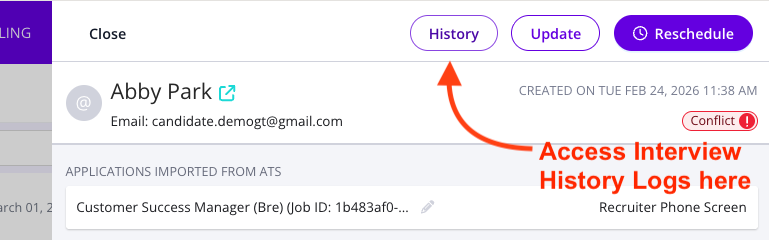
To access interview logs simply open an interview drawer and click on the '(History)' button in the top of your interview drawer:
📹. The following video provides an overview of the Interview History Log feature: