Privacy and Compliance Settings
Last updated: March 18, 2026

TL;DR: The Privacy and Compliance tab allows users to manage the privacy settings of their Organization, as well as handle GDPR Data Subject Access Requests (DSAR). The Privacy and Compliance tab is found in your GoodTime Company Settings and is only accessible by Super Admin users.
Privacy Settings
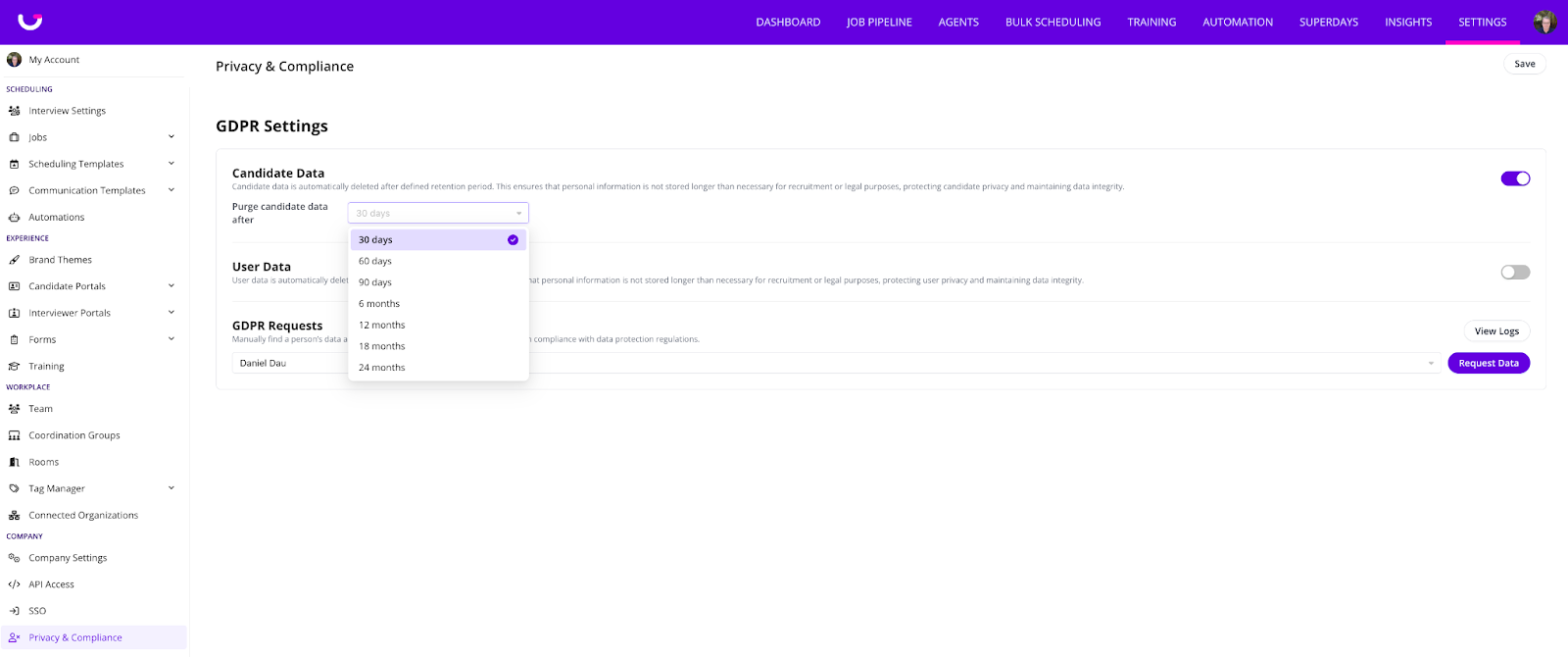
Users can set the purge period of both candidates and users to a predefined purge period between 30 days and 24 months (2 years).
GDPR Requests
In accordance with the General Data Protection Regulation (GDPR), candidates have the right to:
Obtain a copy of their personal data stored within GoodTime’s systems (Right of Access).
Request the deletion of their personal data (Right to Erasure, also known as the “Right to be Forgotten”).
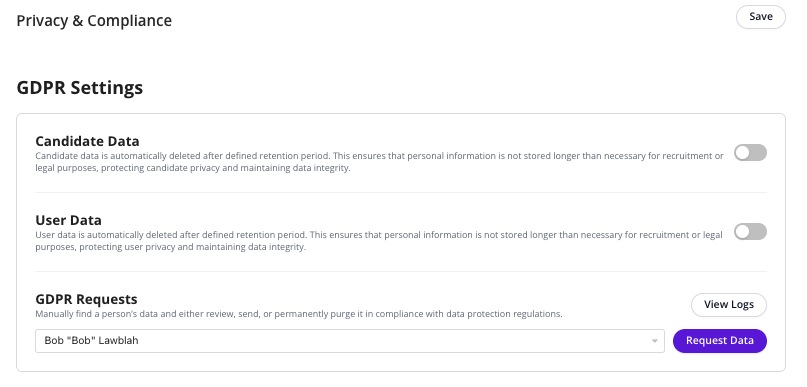
The GDPR Request field enables users to manage and fulfill both types of requests in a secure, compliant, and trackable (logged) manner.
Right of Access
To provide a candidate with a copy of their personal data:
Enter the candidate’s email address.
Click Request Data.
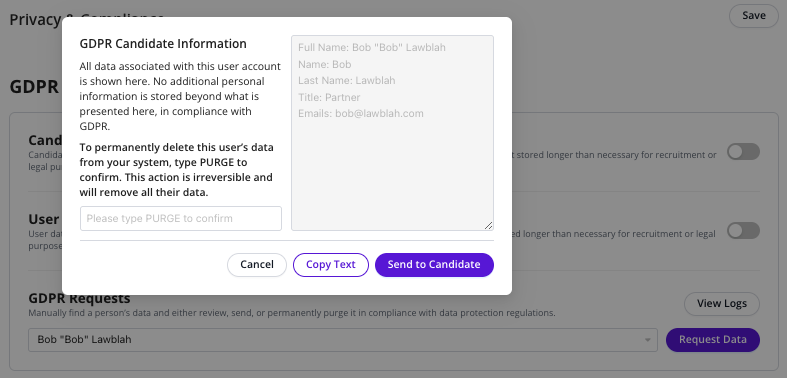
A dialog window will open displaying the candidate’s data.
You may either:
Copy the data for secure sharing, or
Send the data directly to the candidate.
Right to Erasure
To permanently delete a candidate’s personal data:
Enter the candidate’s email address.
Click Request Data.
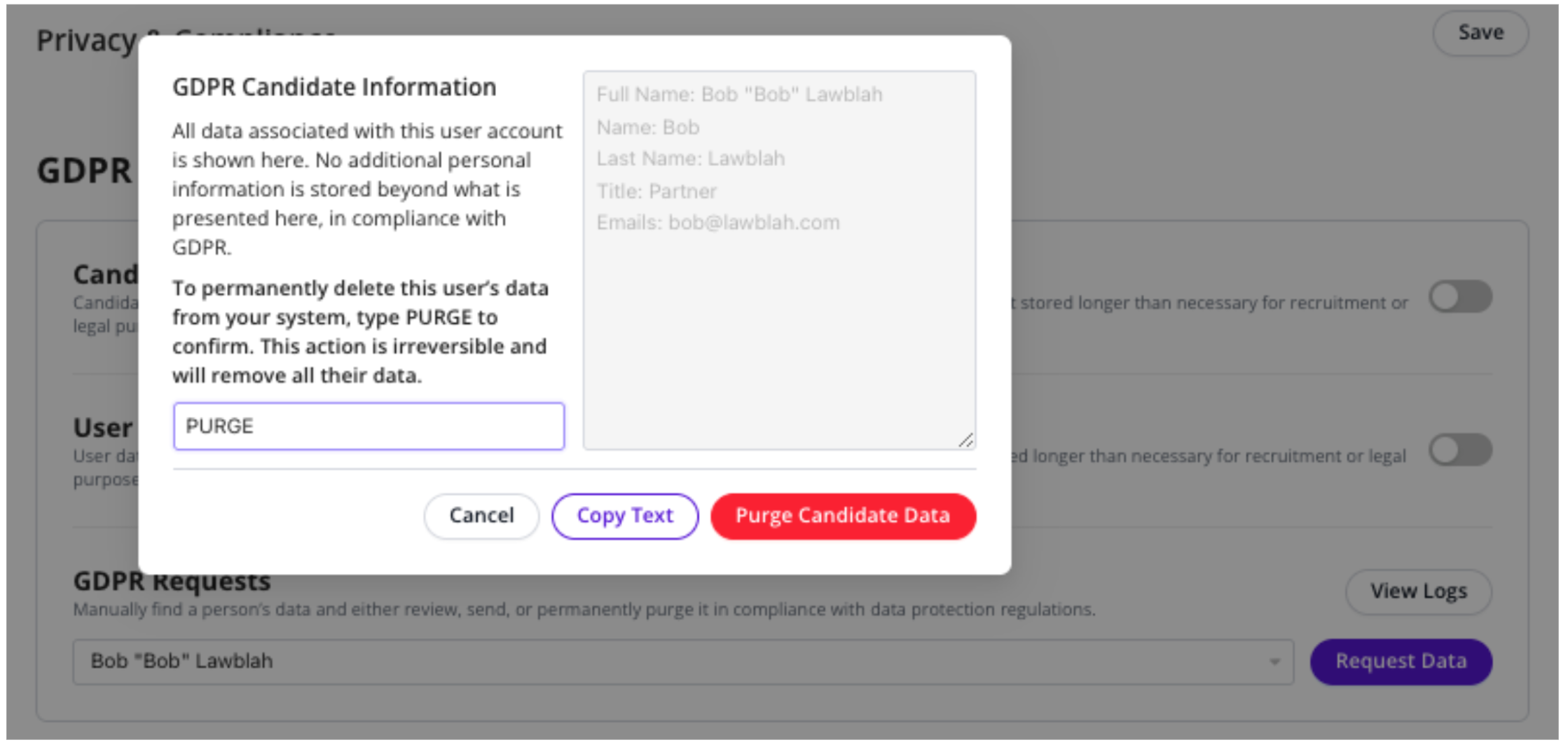
Type PURGE into the confirmation field.
Click the red Purge Candidate Data button to complete the deletion.