Sharing the GoodTime Google calendar
Last updated: October 12, 2026
To grant the user access to the GoodTime Interviews calendar, please follow the steps below:
Open your Google Calendar.
On the left-hand panel, locate My calendars.
Click the ⋮ (three dots) next to GoodTime Interviews.
Select Settings and sharing.
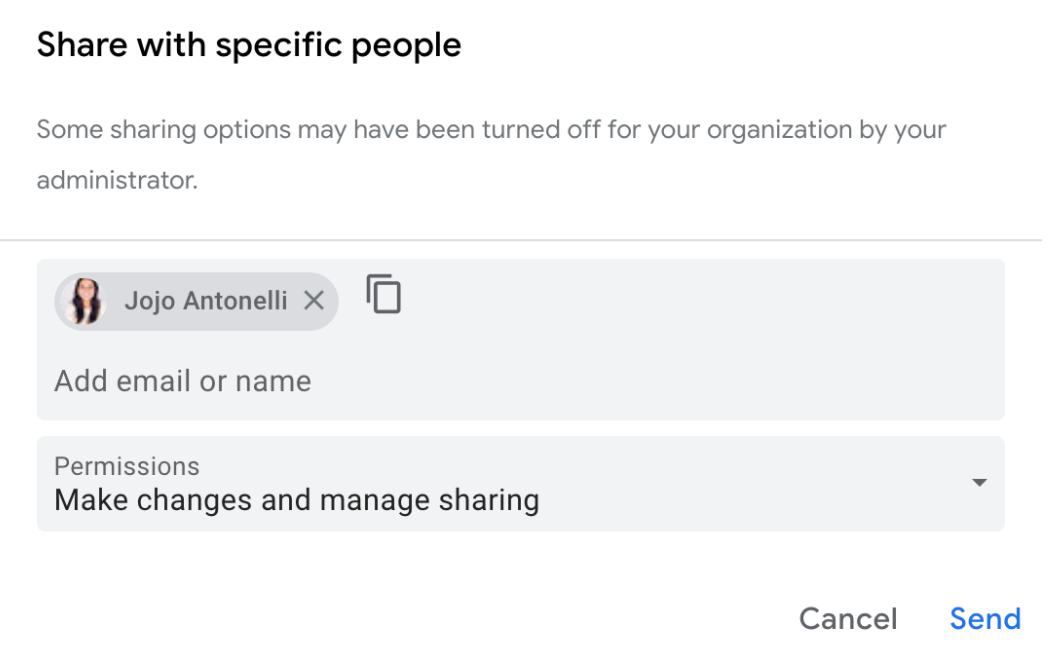
Scroll down to the Share with specific people section.
Click Add People.
Enter the user’s email address.
Set their permission level to Make changes and manage sharing.
Click Send to save the changes and share the calendar with the user.
Once completed, the user should have the necessary access to the GoodTime Interviews calendar.