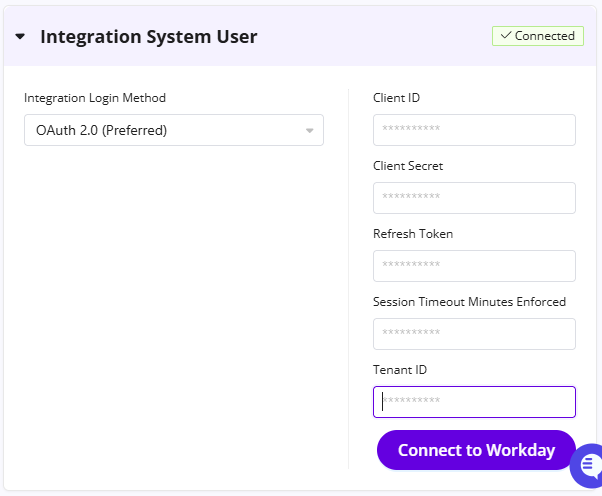
How to generate a new secret and refresh token in Workday
Last updated: November 19, 2026
Open the Edit Workday Account task.
Select the GoodTime ISU.
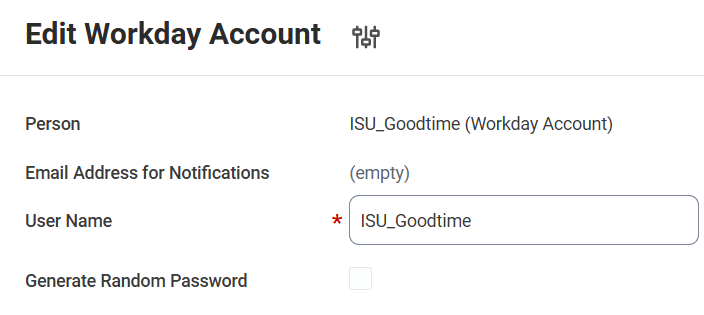
Edit Workday Account preview Take note of the value of Session Timeout Minutes Enforced.
Open the View API Clients report.
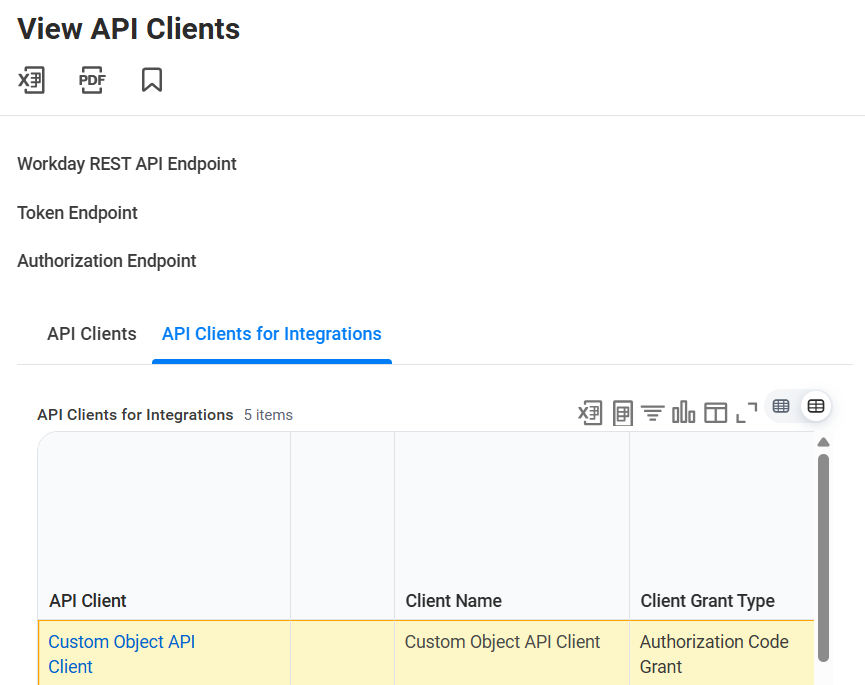
View API Clients preview Under the API Clients for Integrations tab, open the integration you created for GoodTime.
Take note of the Client ID.
Select Generate New Client Secret (see screenshot)
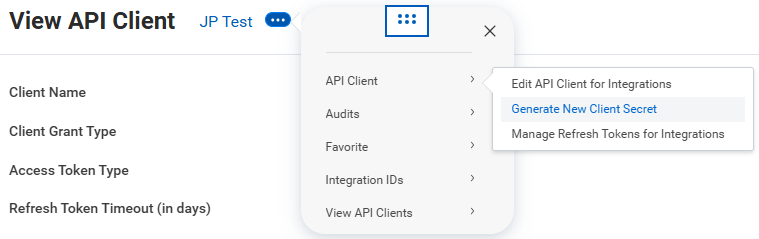
Take note of the Client Secret.
In the same menu above in View API Client, select Manage Refresh Tokens for Integrations.
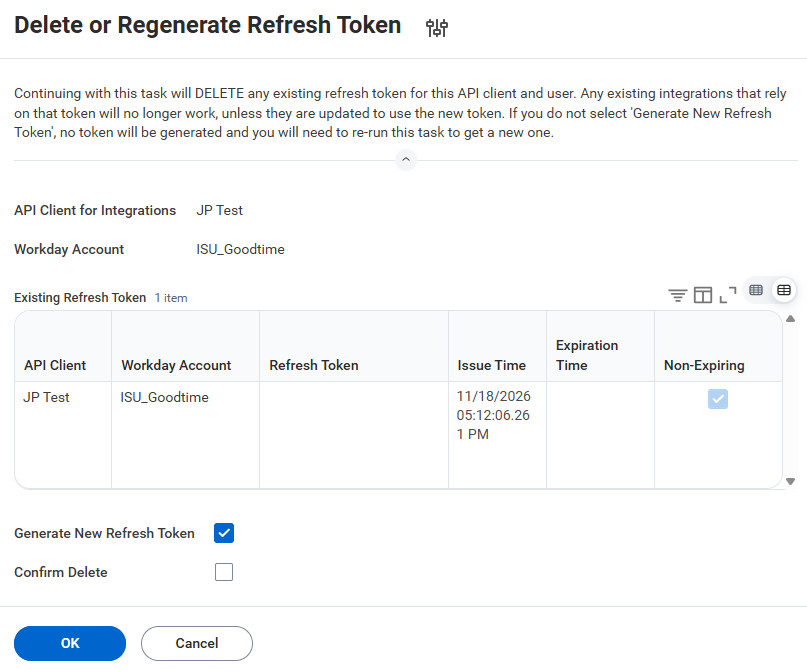
Delete or Regenerate Refresh Token preview Select the Workday Account used for GoodTime. (i.e. the ISU)
Select OK.
Tick the Generate New Refresh Token checkbox.
Select OK.
Take note of the Refresh Token.
Now you're done! The information you took note of can now be used for the GoodTime integration under Settings > Company.