How do I adjust the candidate facing Itinerary?
Last updated: February 26, 2026
Company Level
Navigate to Settings --> Interview Settings --> click the pencil next to share itinerary with candidate --> adjust the variables --> click save
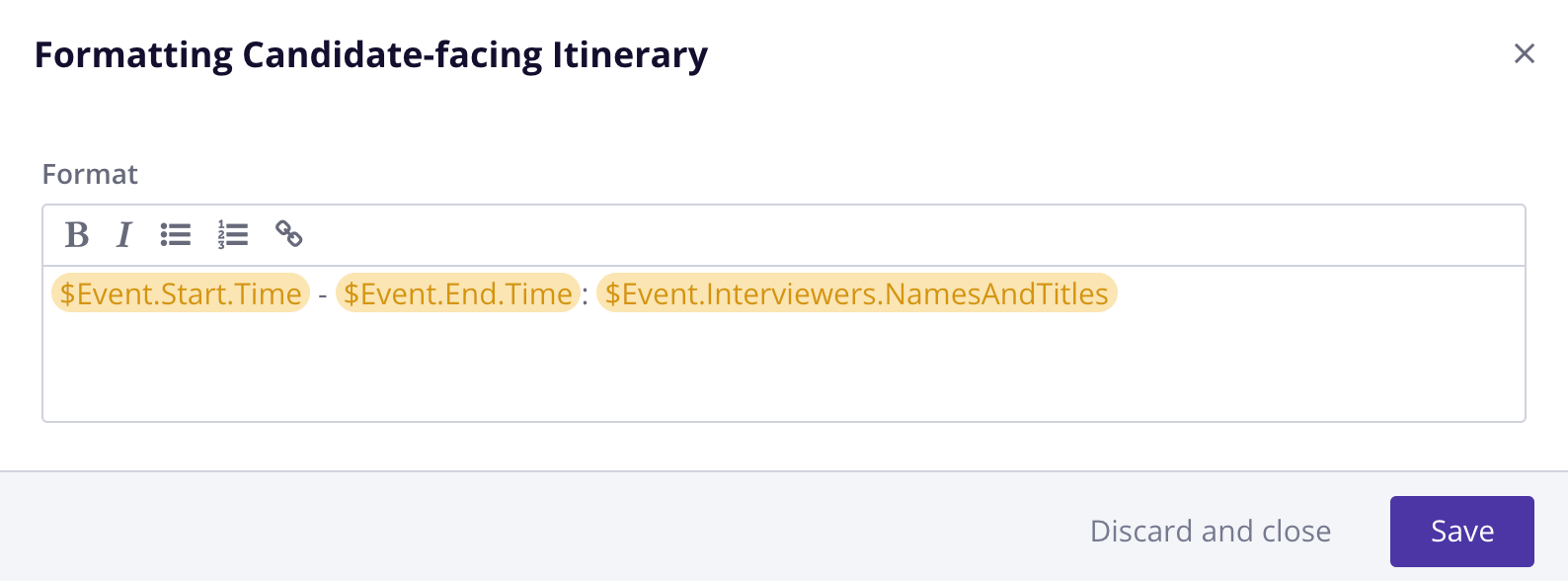
Base or Interview Template Level
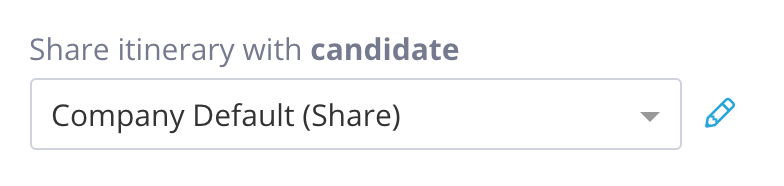
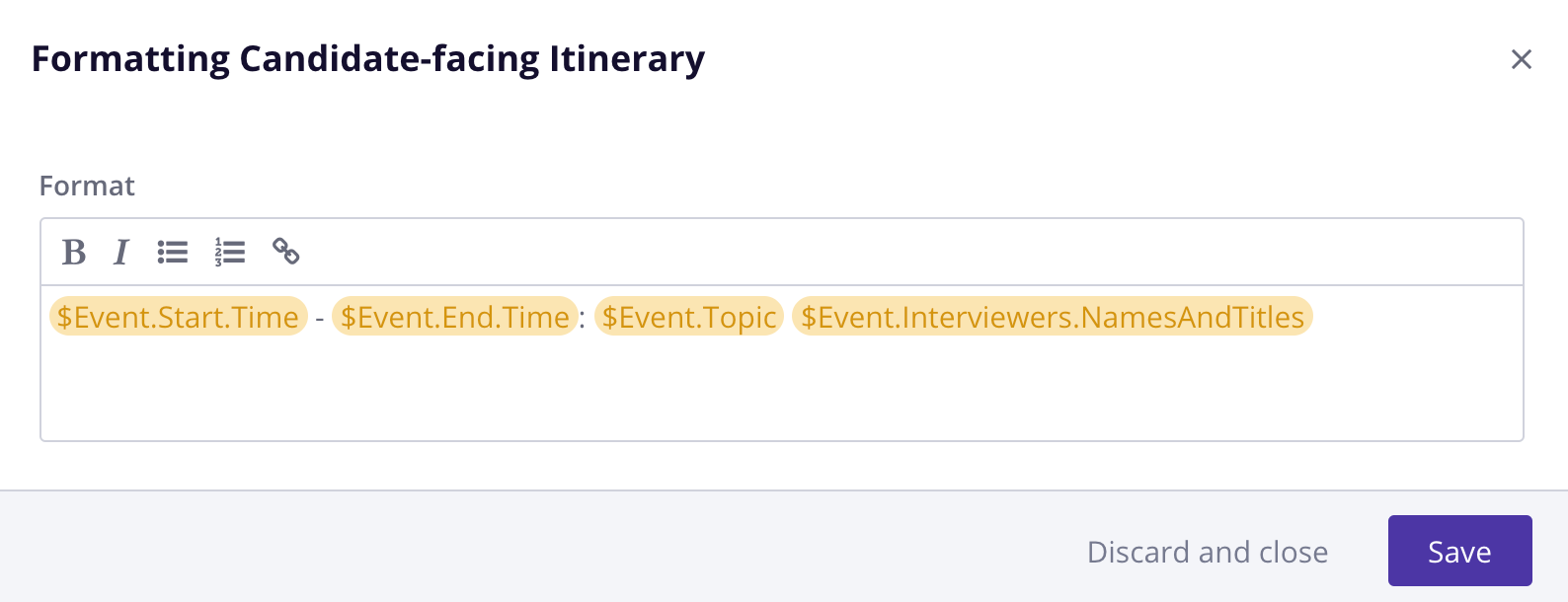
Settings --> Interview Templates --> click Base Templates or Templates --> click Template Settings --> click the pencil next to share itinerary with candidate --> adjust the variables --> click save
Individual Interview Level:
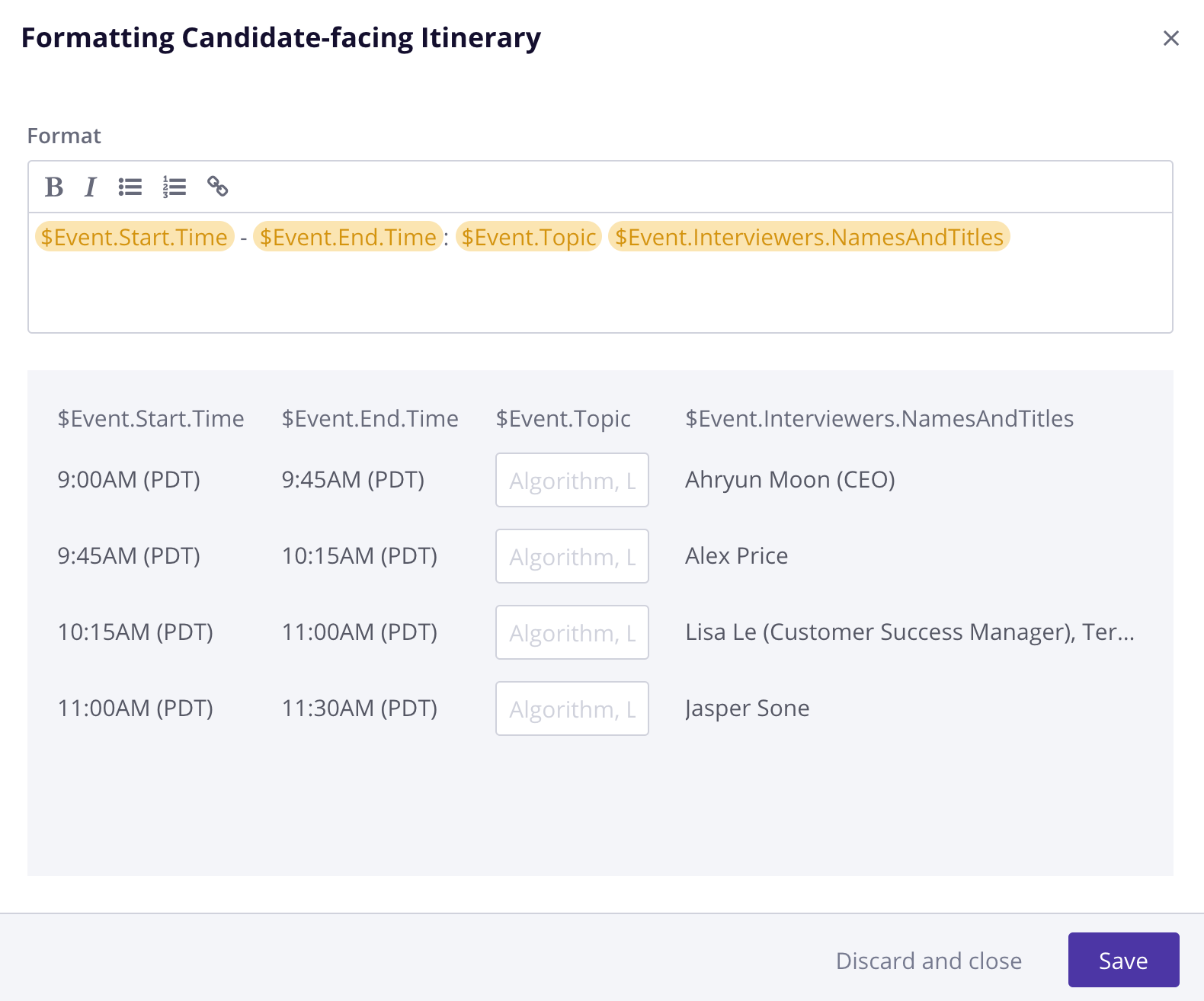
From the Confirmation Page --> scroll down to Interview Schedule --> click the pencil icon next to share itinerary with candidate --> Update the variables --> click save
Variables that can be used in the Itinerary
$Event.Start.Time
$Event.End.Time
$Event.Topic
$Event.Interviewers.NamesAndTitles
$Event.Start.Date
$Event.End.Date
$Event.Start.DateTime
$Event.Rooms.Names
$Event.Interviewers.FirstNames
$Event.Interviewers.FirstNameLastInitials
$Event.Interviewers.FullNames
$Event.Interviewers.Emails
$Event.Interviewers.NamesAndTitles