Schedule Now
Last updated: October 6, 2026
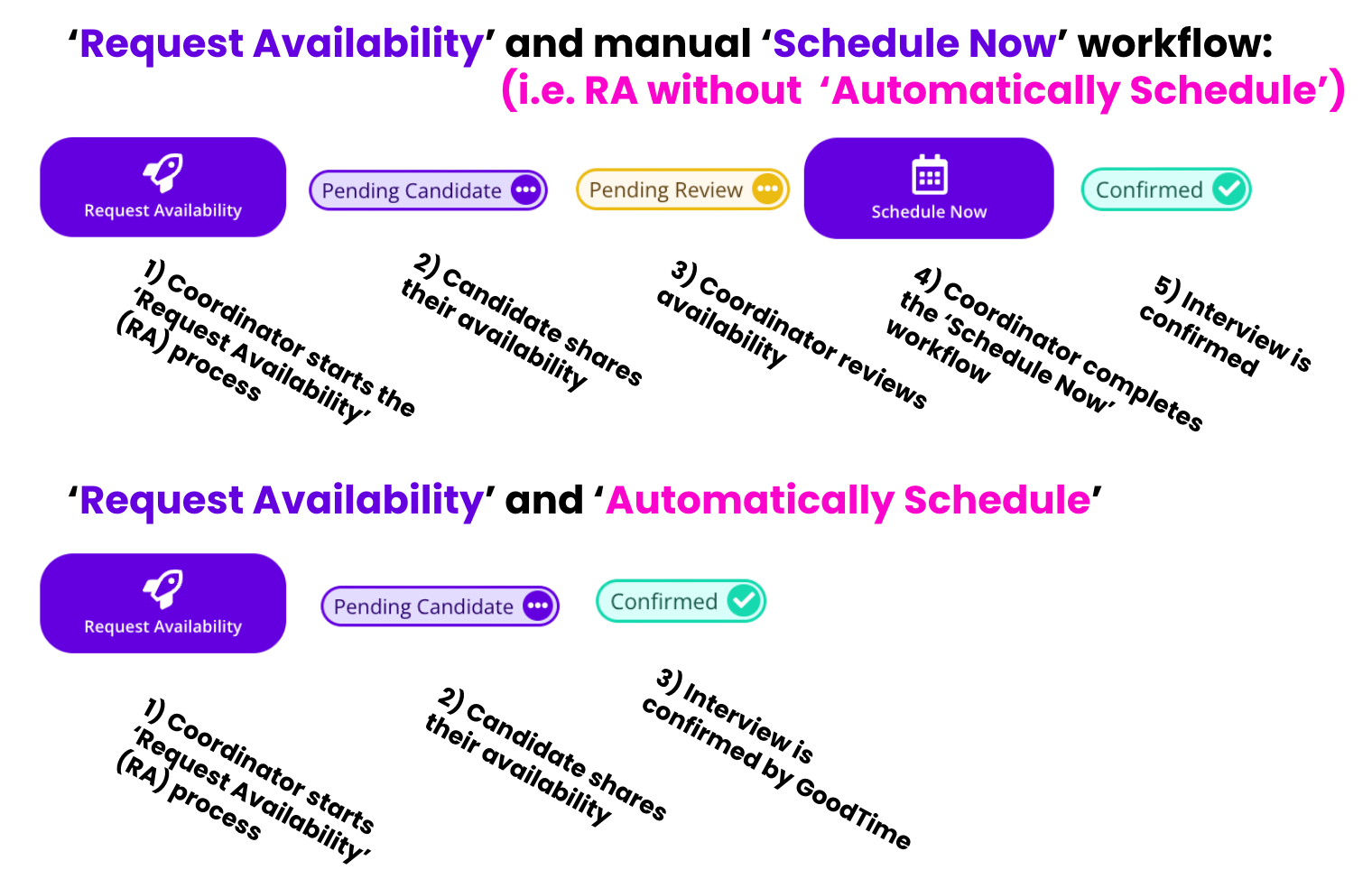
TL;DR: The 'Schedule Now' workflow is used when you have already received the candidate's availability and want to move forward to scheduling an interview into a calendar. This is reflected as step 4 in the following diagram.
📝NOTE: If you are using GoodTime's 'Request Availability' with the 'Automatically Confirm' workflow GoodTime will automatically move the candidate from the 'Request Availability' workflow through the 'Schedule Now' workflow without any user intervention.
🎥 Recent updates to the Email Preview in the 'Schedule Now' workflow are demonstrated below:
How To: Schedule Now
Open your candidate in GoodTime
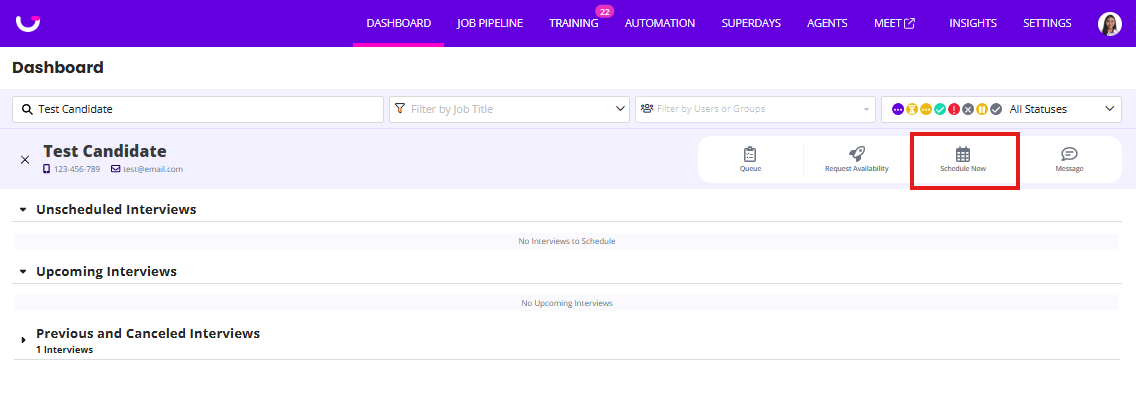
Click the "Schedule Now" button to start your scheduling workflow.
Ensure your candidate is in the appropriate job/stage .
Select your interview template.
Click Continue.
Under Selected Availability, click + Set Availability.
Choose the date or dates and available time range or ranges. Adjust the candidate's time zone if needed.
To add additional availability windows, click + Add more times or Add Time.
Click Set Availability to save.
When using Schedule Now, you'll have the opportunity to select the interview date/time relevant to the candidate's availability. To manually enter availability, use the Selected Availability section and follow the steps above. These steps apply to entering availability in Schedule Now, not to rescheduling an already-scheduled interview in Calendar View.
After selecting the timeframe for the interview, GoodTime will show you a confirmation page before sending any candidate-facing and interviewer-facing content.